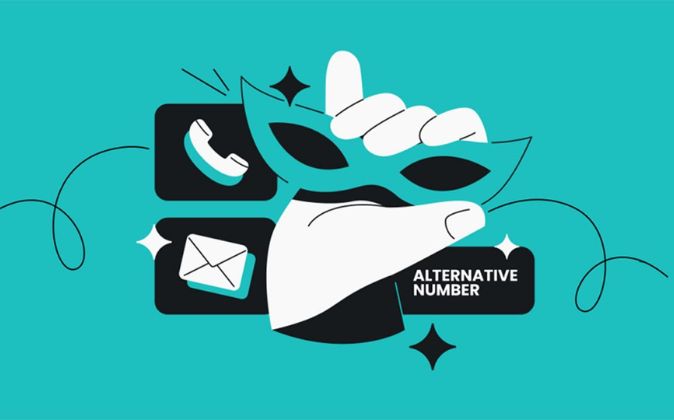
Signing up for websites often means sharing more personal information than necessary. Surfshark Alternative ID offers a way to limit that exposure. It creates a separate online identity with a masked email address, helping keep your primary details away from marketing lists, unwanted messages, and potential data breaches.
What should you know before using Surfshark Alternative ID?
Identity Masking
Alternative ID generates a name, birthdate, address, and email address. You can use these details for online registrations instead of sharing your primary information.
Email Forwarding
Messages sent to your masked address reach your regular inbox. You can pause forwarding or delete an alias when a website starts sending unwanted emails.
Safe Applications
Use alternative details for newsletters, shopping accounts, and online forums. Avoid using generated identities for banking, government services, or accounts requiring legal verification.
How well does Surfshark Alternative ID perform in everyday use?
A Separate Identity for Online Registrations
Surfshark Alternative ID generates a digital persona with a name, birthdate, gender, physical address, and masked email. This is useful when registering for newsletters, shopping websites, and online communities. Instead of handing every website your primary details, you can use a separate identity. However, it is not a replacement for legally verified identification.
Each generated identity comes with a separate email address that forwards incoming messages to your real inbox. You can pause forwarding or delete an address if a website starts sending excessive marketing emails. This makes the feature practical for everyday registrations.
You can maintain up to three Alternative IDs simultaneously. This allows you to separate different types of online registrations, such as shopping, newsletters, and discussion forums. You can edit or delete existing identities when your needs change. The three-persona limit is restrictive for users managing many accounts, but individual identities can be replaced.
Getting started is straightforward. Sign in to your Surfshark account, open Alternative ID, and generate a new persona. You can customize its details and use the Chrome, Firefox, or Edge extension to autofill registration forms. Without the extension, the dashboard also provides a copy-all-details option for manual form completion.
Alternative ID does not hide your actual payment information. When purchasing something online, retailers may still receive your genuine billing and card details. It also lacks built-in credit card masking. You can use a trusted third-party payment service or virtual card where available, but these are separate protections rather than Alternative ID features.
What Does Independent Testing Reveal About Alternative ID?
Cort Honey – Identity & Data Privacy Expert
The review highlights how complete digital personas and email forwarding help limit personal information shared with websites and reduce exposure to data breaches.
Ozzie Enriquez – Security Advisor
The assessment recognizes the product’s ease of use and practical privacy benefits, while identifying limitations around financial accounts and identity verification.
Alex Turner- Security Expert
Their three-month testing covered over 100 registrations. The 92% success rate demonstrates practical usefulness, although some platforms still reject masked identities.